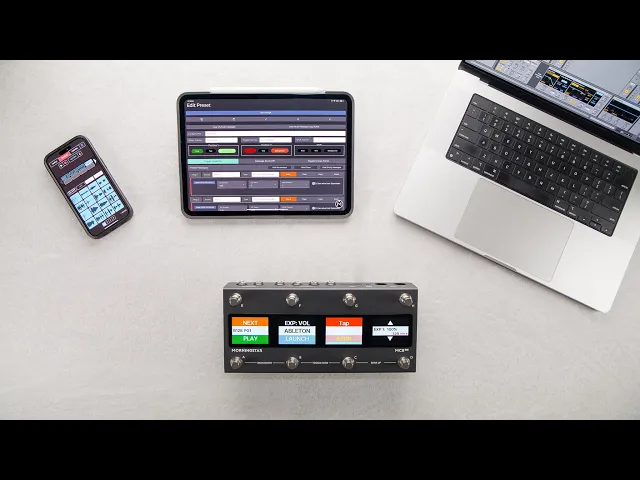
Mobile MIDI Editor App
Today, we are very proud and excited to introduce you to our brand new Morningstar MIDI Editor iOS app that is now available for download in the Apple App Store. A mobile app is something many of you have asked for and we listened!
The Morningstar MIDI Editor app makes it possible for you to program your Morningstar controller without the need for a computer. Your iPhone or iPad is all that you need for mobile editing.
Android users, we haven’t forgotten you. At this moment we don’t have an app for Android, but you can easily use the Chrome browser on your mobile device to access the mobile-optimized version of the MIDI Editor for on-the-go editing too.
DOWNLOADING THE APP
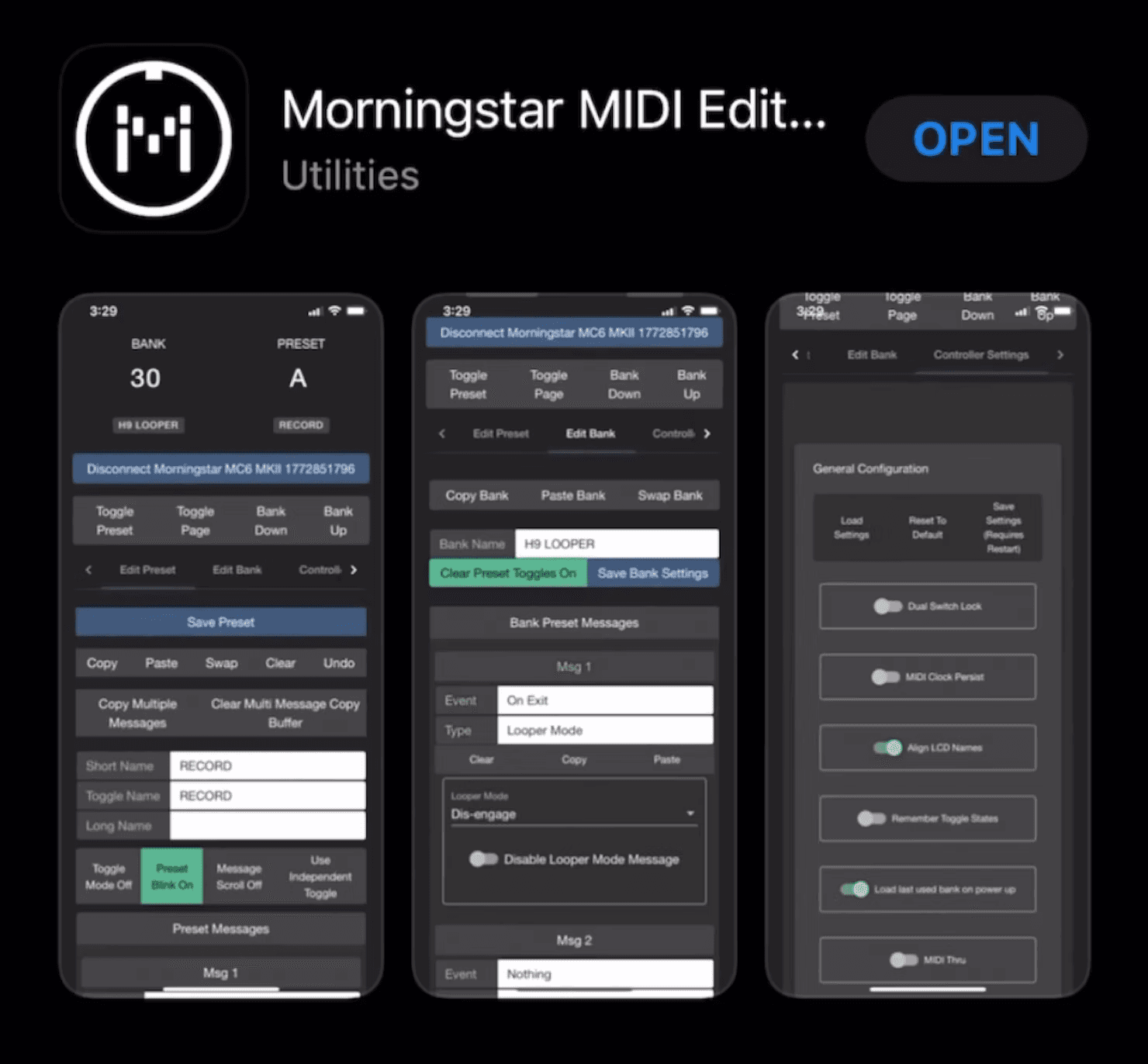
To download the application, just search for ‘Morningstar MIDI Editor’ in the Apple App Store. Once you’ve downloaded the app, connect your Morningstar controller to your mobile device.
CONNECTING TO THE APP
You can connect your MIDI controller to the app with a USB cable or wirelessly.
Cabled Connection
Let’s start with how to connect with a cable. With the new iPhones, you can simply connect via USB-C. Morningstar PRO controllers have USB-C ports and a standard USB-C cable is all you need. Standard series controllers have USB-B ports and you will need a USB B-C cable to connect.
To connect to older iPhones with Lightning ports, you will need an Apple lightning to USB camera adaptor. With this adaptor, you can use a standard USB cable to connect your controller to your iOS device.
NOTE: If you are connecting with a cable, use the NO KEYBOARD version of the firmware. Otherwise the on-screen keyboard on your iOS device will not appear when connected with a cable. You can use either firmware version if you are connecting wirelessly.
Once you’ve connected, launch the Morningstar app and select the device you want to connect. That's it!
Wireless Connection
Watch this video for a step-by-step guide for connecting wirelessly to the Morningstar Editor.
Morningstar PRO controllers have Bluetooth MIDI built-in and do not require an additional bluetooth MIDI adaptor. If you need one for your Standard series controller, which does not have Bluetooth, the WIDI Jack by CME is widely used and recommended.
APP WALKTHROUGH
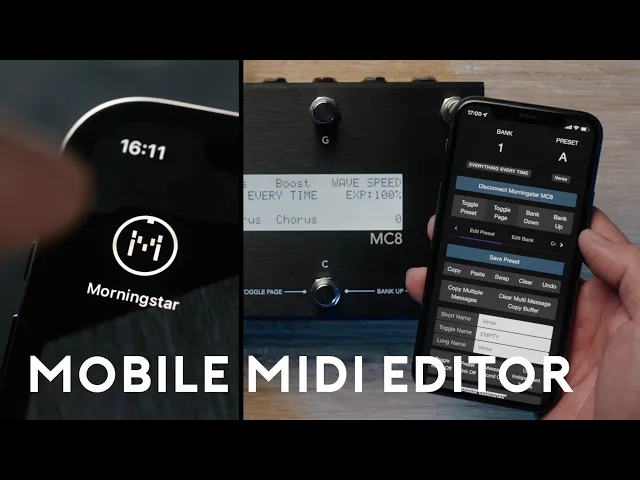
Watch the video above for more information and a walkthrough of the app. We hope the new Morningstar MIDI Editor app brings you greater convenience and flexibility, allowing you to take your creativity further, anytime anywhere. Enjoy!
