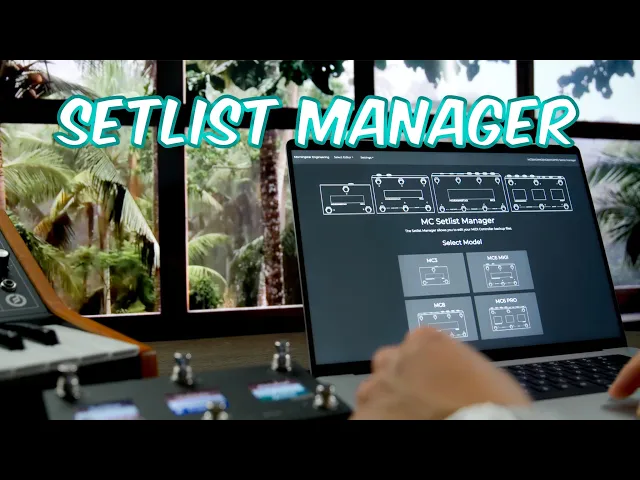
Introducing Setlist Manager
We're excited to release the Setlist Manager for the Morningstar MC MIDI foot controllers. For a full video walkthrough, watch the video below. If you prefer a brief summary guide on how to use it, read on.
What is it?
The Setlist Manager allows you to
Create banks of presets offline (without needing to connect your MIDI Controller)
Edit the backup files downloaded from your MIDI Controller
The interface is simple. Each section contains the data for each bank. You can either start from a clean slate, or load one of your "all banks" data dump files that you downloaded from your controller.
You can load individual bank files by either pressing on the "Load from File" button in the Bank section, or simply drag and drop your Bank JSON files to the desired bank.
Clicking on the Presets will allow you to edit the Preset settings.
Clicking on "Edit Bank Settings" will allow you to edit the Bank data for the selected Bank.
You can even drag and rearrange banks.
Saving the Data
After you are done editing, you can click on "Save As Backup File" to save it into an "All Banks" data dump file that can be uploaded into your Controller.
You can also save the banks individually by clicking on "Save As Individual Bank Files". This will save each bank into individual files that you can use to manage your bank data.
You can then use the files to load it into individual banks in the Setlist Manager to create a new Setlist.
We hope you find the Setlist Manager useful in managing your MIDI controller data! Please do not hesitate to reach out to us if you have any feedback or comments.
As always, keep making awesome music!
The Morningstar Engineering team
